
Android app blocker

Block the apps you can't stop opening.

Choose the apps and websites that distract you, then set a schedule that gives you room to focus. Strict Mode can make active blocks harder to bypass.

Free · No account · Android 9+
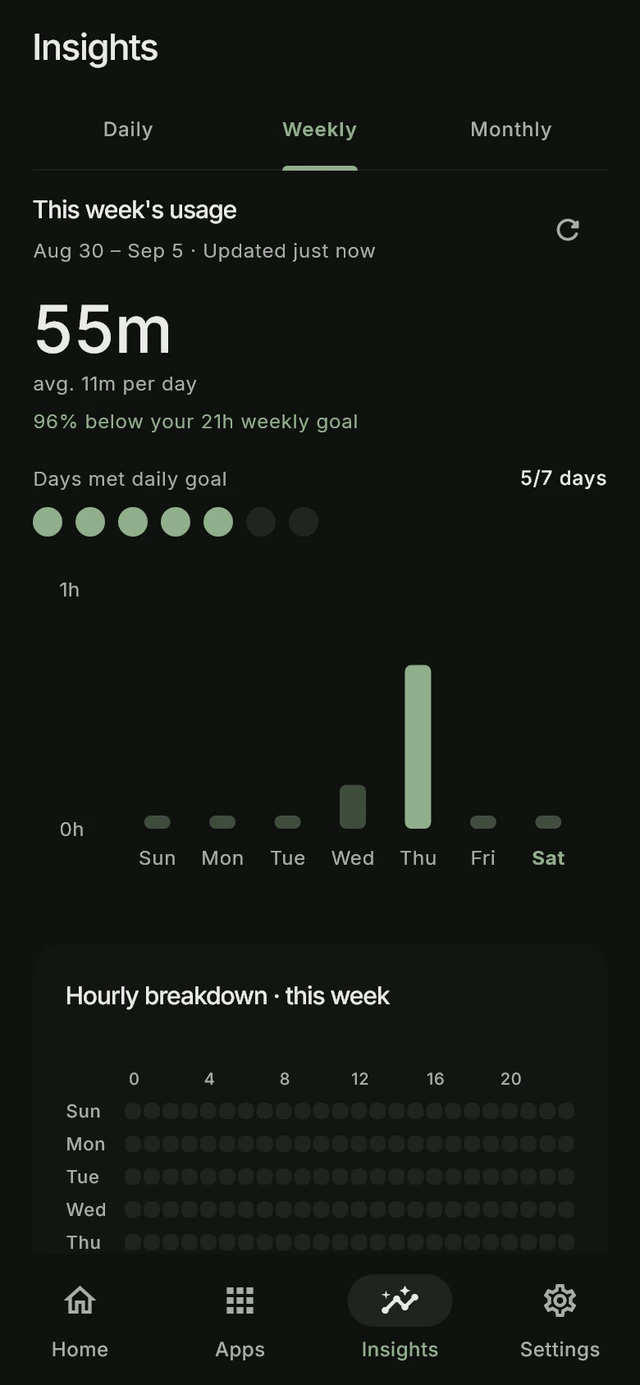
Zentra weekly screen-time insights with example data

Three steps to focus.

Zentra sprout mascot selecting apps on a phone

Step 01

Choose what to block

Pick the apps and sites you want to block.
Zentra sprout mascot beside a clock and daily planner

Step 02

Set your hours

Choose when you want to focus, and Zentra will block your selected apps and sites on schedule.

Zentra sprout mascot beside a closed padlock

Step 03

Hold the boundary

With Plus, Strict Mode makes active blocks harder to bypass.

Free to start. More with Plus.

Start free with one schedule, three apps, and three websites. Plus adds unlimited blocking and Strict Mode.

Plans and pricing →
On-device blockingNo adsNo data selling

Quick answers

How does Strict Mode work?
Strict Mode, included in Plus, makes active blocks harder to bypass.
Is Zentra free?
Yes. Free includes 1 schedule, 3 apps, and 3 websites. Plus adds unlimited blocking and Strict Mode.
Do I need an account?
No account is needed for the free plan. Sign in to subscribe or sync.
Is my data private?
Blocking and screen-time data stays on-device unless you enable sync. We never sell data.
All FAQs →

Download

Start free.

Android 9+ · No account required.

On iOS?

QR code to download Zentra on Google Play

Scan with your Android phone

Open Google Play