A digital detox does not have to mean putting your phone away for good. Start by changing one routine, then use your screen-time data to see what works for you.
1. Find your baseline
In Zentra, grant usage access and open Insights. Review the daily and weekly views to see your overall usage and which apps take the most time. Look for a period you would like to protect, such as the first hour of work or the time before bed.
The history you see depends on your device data and permissions. Give yourself several days before drawing conclusions. And remember, time spent on something useful does not need to be eliminated.
2. Set a realistic goal
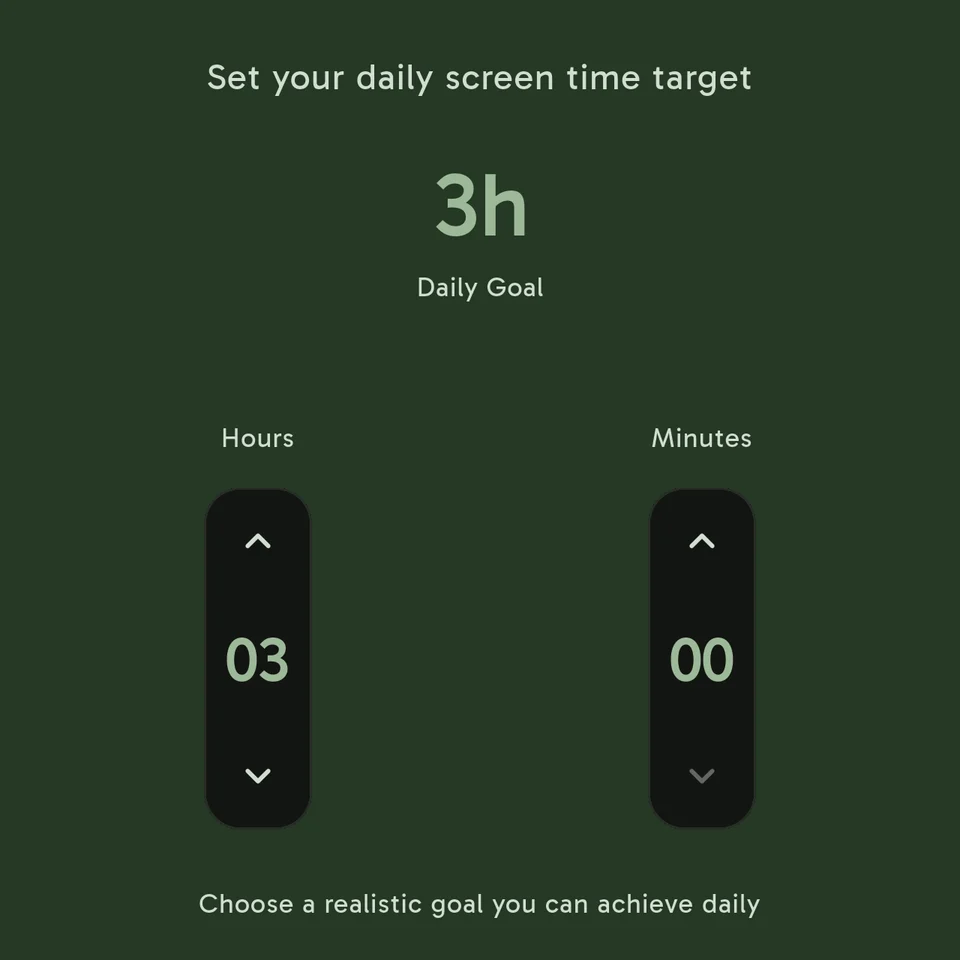
Pick a daily screen-time goal you can adjust later. In Zentra, open Settings → Daily Screen Time Goal to set one. A small reduction can be more useful than an ambitious target that is difficult to sustain.
3. Protect one window
Go to Apps → Create schedule, pick a time window and select the apps that most often interrupt that part of your day. Add websites if needed. Keep essential services available. The free plan supports one schedule with up to three apps and three websites.
If a daily allowance fits better, Zentra also offers a Usage limit shared across the apps in a schedule. Follow the Android blocking guide to choose and test a setup.
4. Make your surroundings help
Put your phone out of reach during a meal, use a separate alarm clock, or turn off nonessential notifications. Choose a replacement activity in advance: a walk, a book or a conversation can make the new routine easier to maintain.
5. Review and adjust
After a week, return to Insights and compare your usage with your baseline. If the schedule gets in the way of something important, change its hours or selected apps. If the routine is working, keep it simple or try another window.
For stronger boundaries, read about Strict difficulty and schedule protection. Everyone’s results will be different. The goal is to find a routine that supports your priorities.